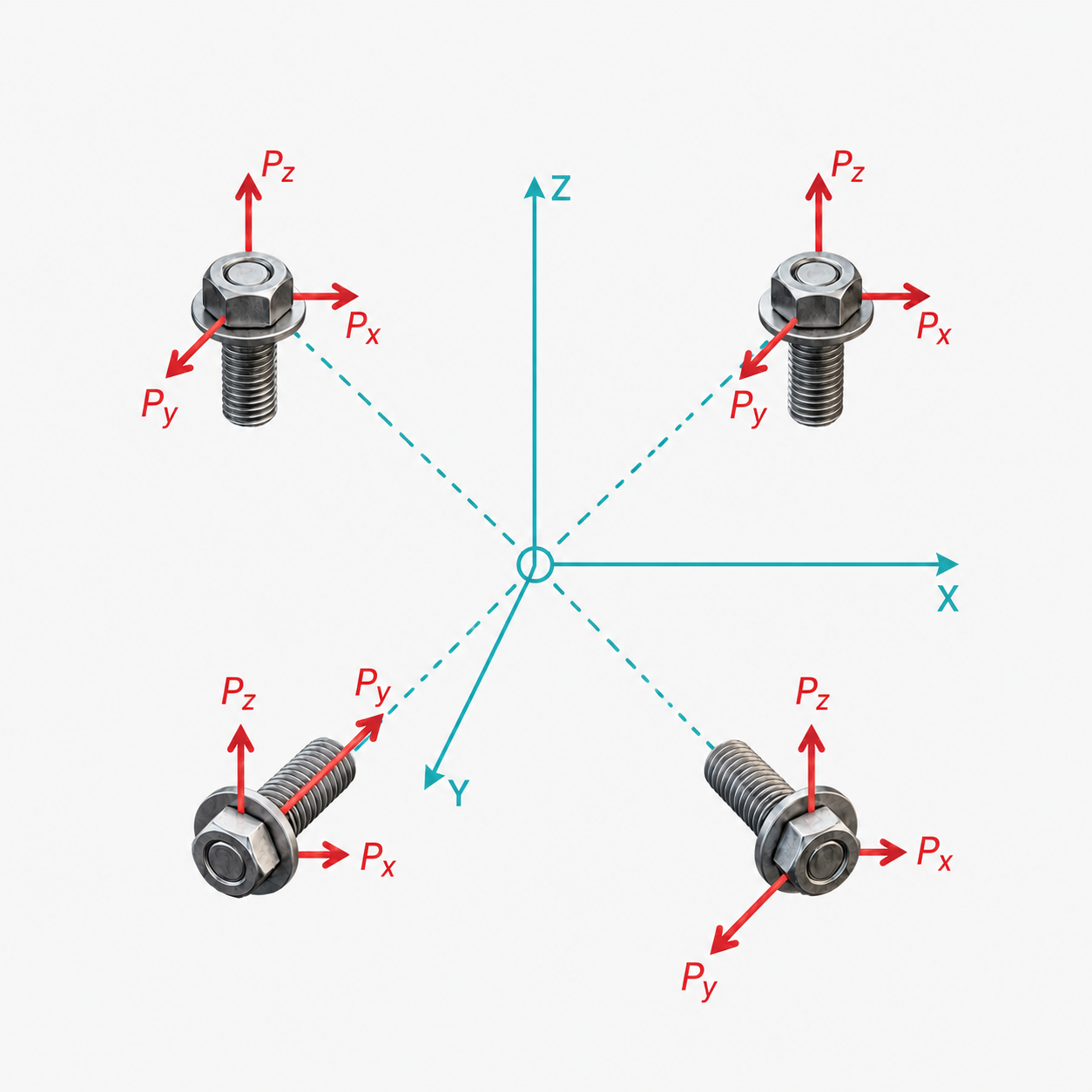
Bolt Analysis
3D Bolt Group
Input your fastener locations and applied loads to calculate the forces distributed to each bolt.
1Attachment Locations
Fastener Stiffness ModelChoose between finite stiffness springs or uniform rigid constraints
| Attach # | X (in/mm) | Y (in/mm) | Z (in/mm) | Dist (Res) | KX | KY | KZ | |
|---|---|---|---|---|---|---|---|---|
1 | 38.284 | |||||||
2 | 38.284 | |||||||
3 | 34.641 |
2Applied Loads
Load Stiffness ModelChoose between finite stiffness springs or uniform rigid constraints for load connections
| Load # | X | Y | Z | FX | FY | FZ | MX | MY | MZ | KLX | KLY | KLZ | |
|---|---|---|---|---|---|---|---|---|---|---|---|---|---|
| 1 | |||||||||||||
| Totals | 200.000 | 0.000 | 0.000 | 0.000 | 0.000 | 0.000 | |||||||
| Resultant | |F| = 200.000 | |M| = 0.000 | |||||||||||