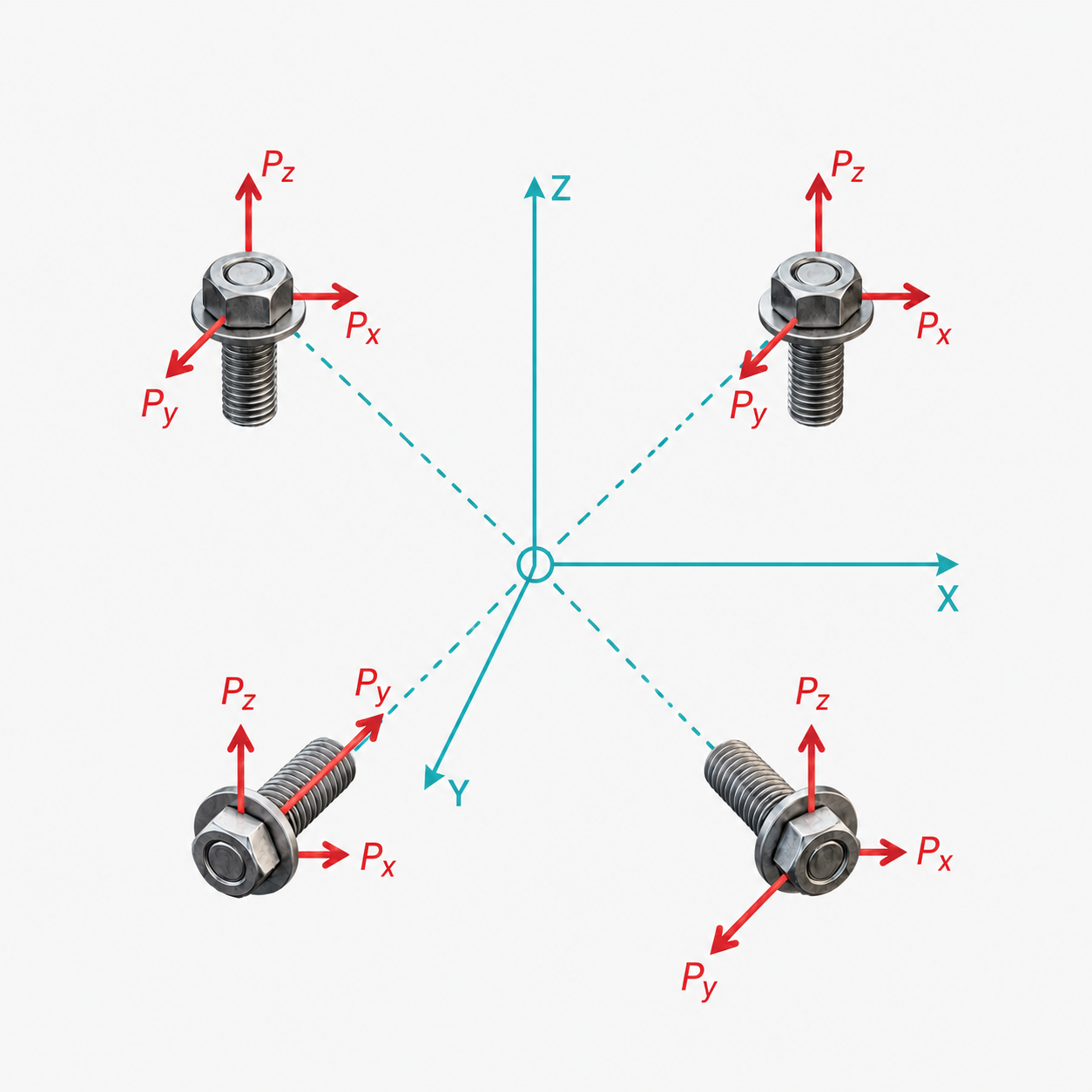
Attachment Locations
Define the geometric coordinates and relative stiffness of each fastener in the group.
Coordinates (X, Y, Z)
The coordinates specify the physical location of each fastener relative to an arbitrary, but consistent, origin. The tool will automatically calculate the stiffness-weighted centroid of the group.
Stiffness Models & Relative Stiffness (KX, KY, KZ)
The tool supports two stiffness models to control how forces and moments distribute across the fastener pattern:
- Rigid Model (Infinite stiffness): Assumes that the joints and fasteners are infinitely rigid. Under this assumption, the reaction load distribution is purely determined by the geometry of the bolt group, treating all fasteners as having equal relative stiffness (\(K_x = K_y = K_z = 1.0\)). This is the standard assumption in traditional, rigid-body bolt group calculations.
- Elastic Model (Spring-like stiffness): Allows you to define individual, finite spring stiffnesses for each direction (\(K_x, K_y, K_z\)) to model connections where compliance varies.
Custom Elastic Stiffness Guidelines:
- Equal Stiffness: If all bolts are identical, use a value of 1.0 for all stiffnesses.
- Varying Stiffness: If you have bolts of different diameters or materials, scale the stiffnesses proportionally to their cross-sectional area or theoretical stiffness.
- Directional Stiffness: If a fastener only takes shear (no axial load), you can set its axial stiffness (e.g., KZ) close to 0.