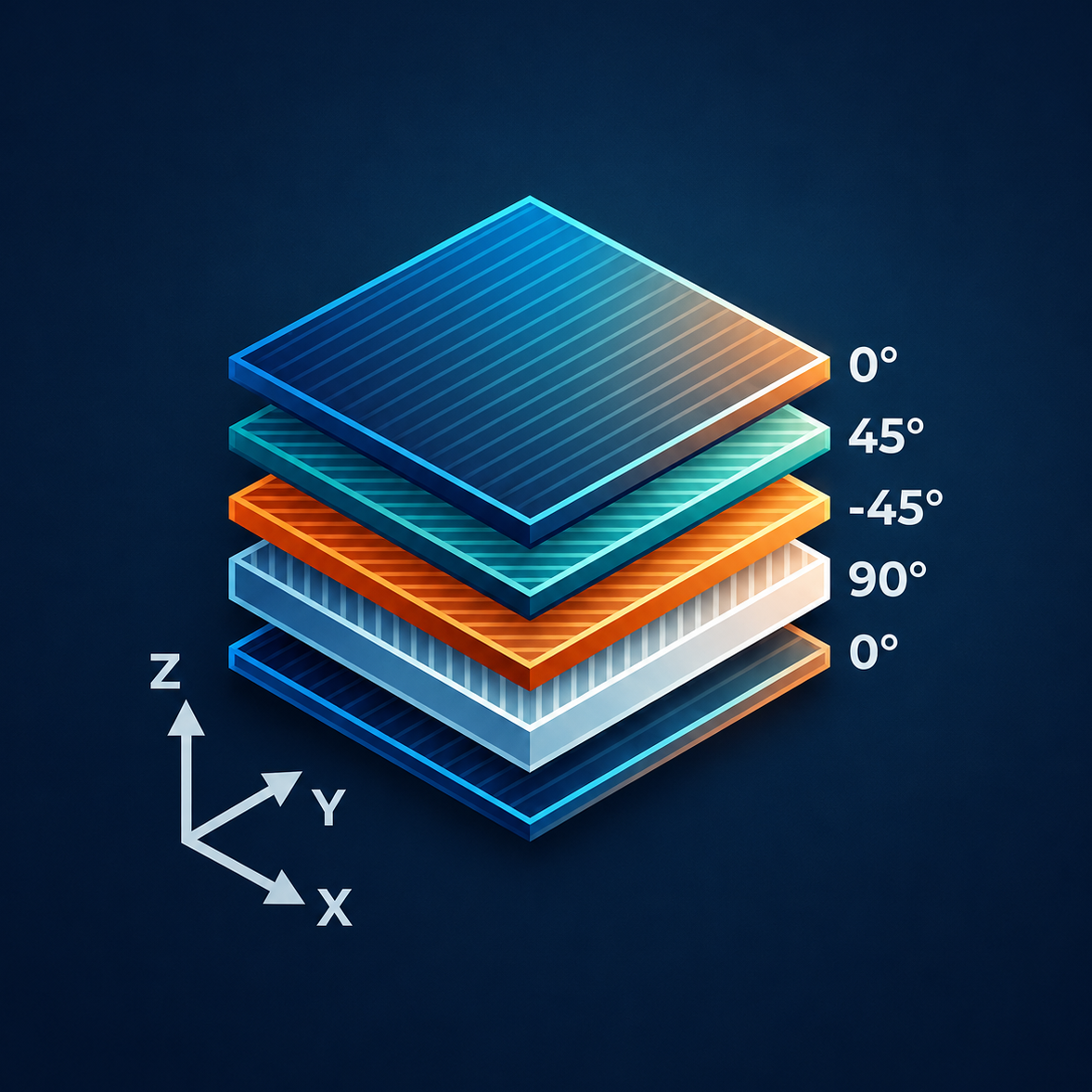
Laminate Properties
The laminate is defined ply-by-ply using the shared Ply Builder. Each ply is characterized by its material properties, fiber orientation, thickness, and allowable limits.
Ply Properties
For each ply in the stack, the following properties are required:
| Property | Units | Description |
|---|---|---|
| Material | — | Label for the ply material (informational only) |
| Angle | degrees | Fiber orientation angle relative to the loading (x) axis |
| ET1 | Msi | Longitudinal tensile modulus in the fiber (1) direction |
| EC1 | Msi | Longitudinal compressive modulus in the fiber (1) direction |
| ET2 | Msi | Transverse tensile modulus in the matrix (2) direction |
| EC2 | Msi | Transverse compressive modulus in the matrix (2) direction |
| G12 | Msi | In-plane shear modulus |
| ν12 | — | Major Poisson's ratio |
| t | in | Ply thickness |
| ε₁t | με | 1-direction tension strain allowable |
| ε₁c | με | 1-direction compression strain allowable |
| ε₂t | με | 2-direction tension strain allowable |
| ε₂c | με | 2-direction compression strain allowable |
| γ₁₂s | με | In-plane shear strain allowable |
CLT carries separate tension and compression moduli (ET1/EC1, ET2/EC2) per ply. Stress allowables are derived from strain allowables using the appropriate directional modulus.
Material Presets
Several built-in material presets are provided for common aerospace composite systems:
- T300/977-14AC Fabric (70°F) — Balanced woven fabric, commonly used in secondary structure
- IM7/8552 UD Tape (70°F) — High-performance unidirectional tape for primary structure
- AS4/3501-6 UD Tape (70°F) — Legacy aerospace unidirectional tape
- IM7/8552 Plain Weave (70°F) — Balanced plain weave fabric
- Custom Material — User-defined properties
Preset properties can be edited in-place. Any changes are session-local and do not persist between page reloads.
Ply Stack Operations
- Quick Add — Adds a ply at 0°, 45°, −45°, or 90° using the currently selected preset’s properties.
- Bulk Add Plies — Quickly add multiple plies at a specific angle all at once.
- Custom Ply — Adds a ply at 0° that you can then edit to any angle.
- Symmetric — Mirrors the current stack to create a symmetric laminate (appends the reverse of the current plies).
- Repeat — Duplicates the entire current stack and appends it.
- Clear — Removes all plies from the stack.
- Move Up/Down — Reorders individual plies within the stack.
- Delete — Removes an individual ply.